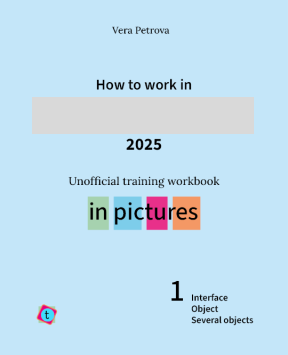
How to work in ..... ........ 2025 1. Interface. Objects. Several objects.

If you don't want to rewatch videos
again and again
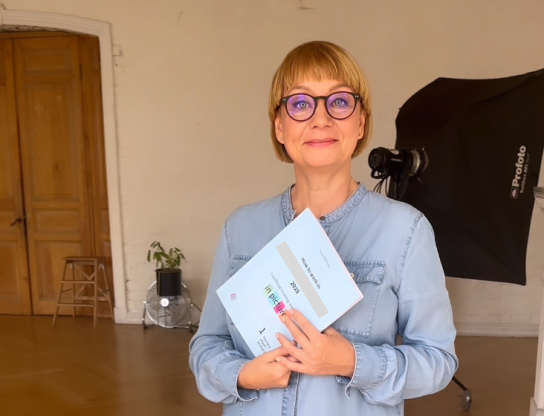
This book is for you if:
If anything above sounds familiar, you are in the right place.
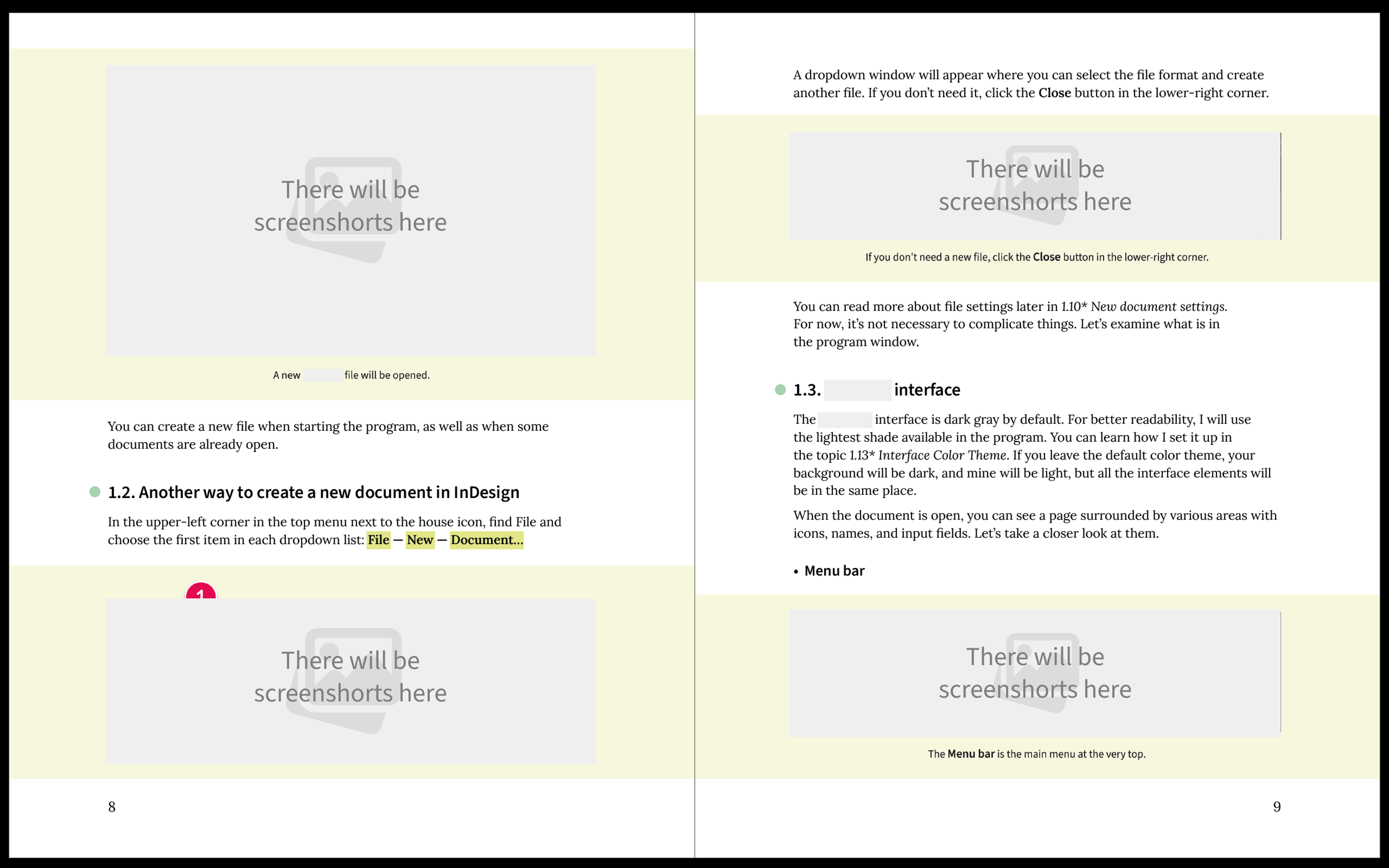
p.8-9
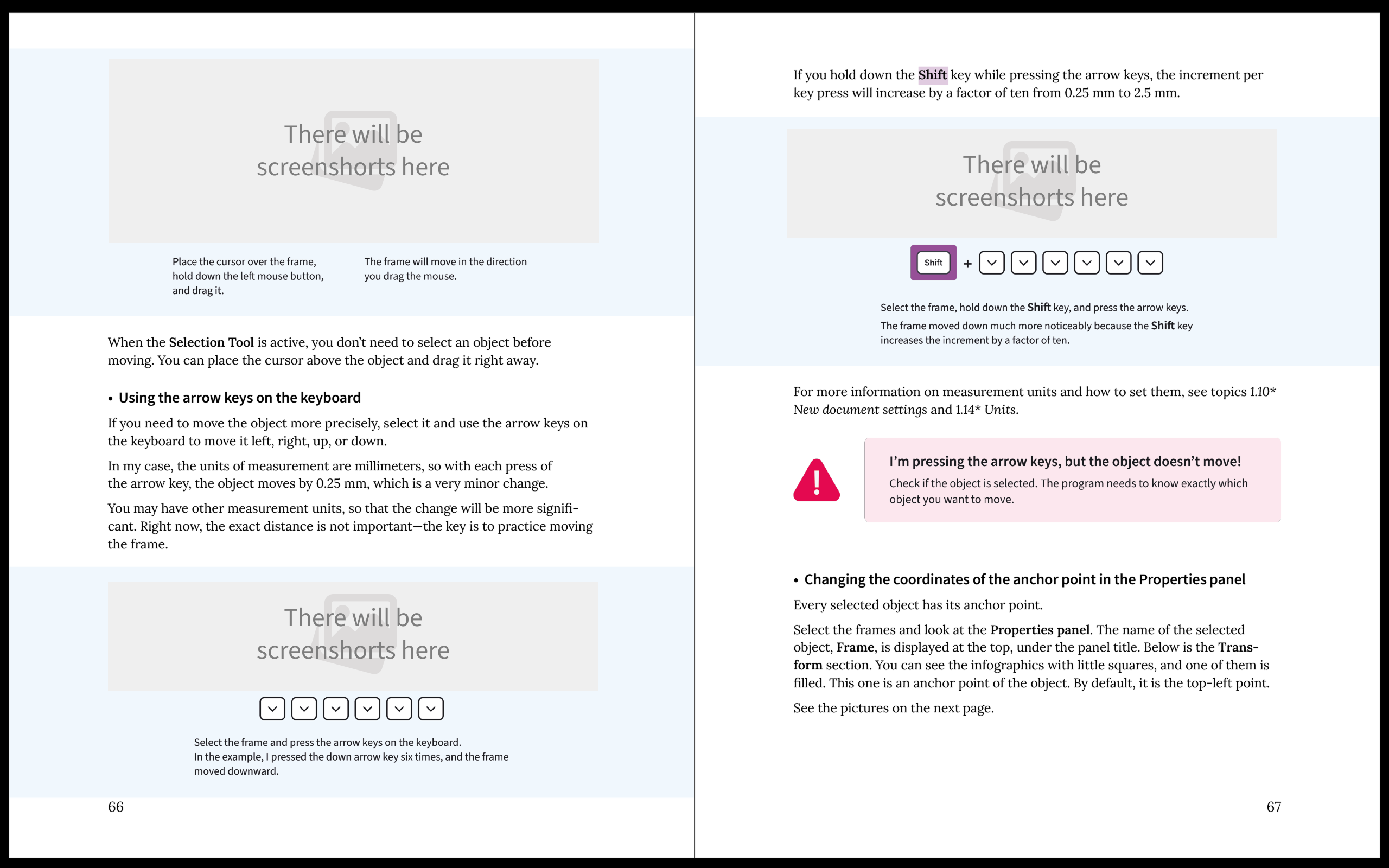
p.66-67
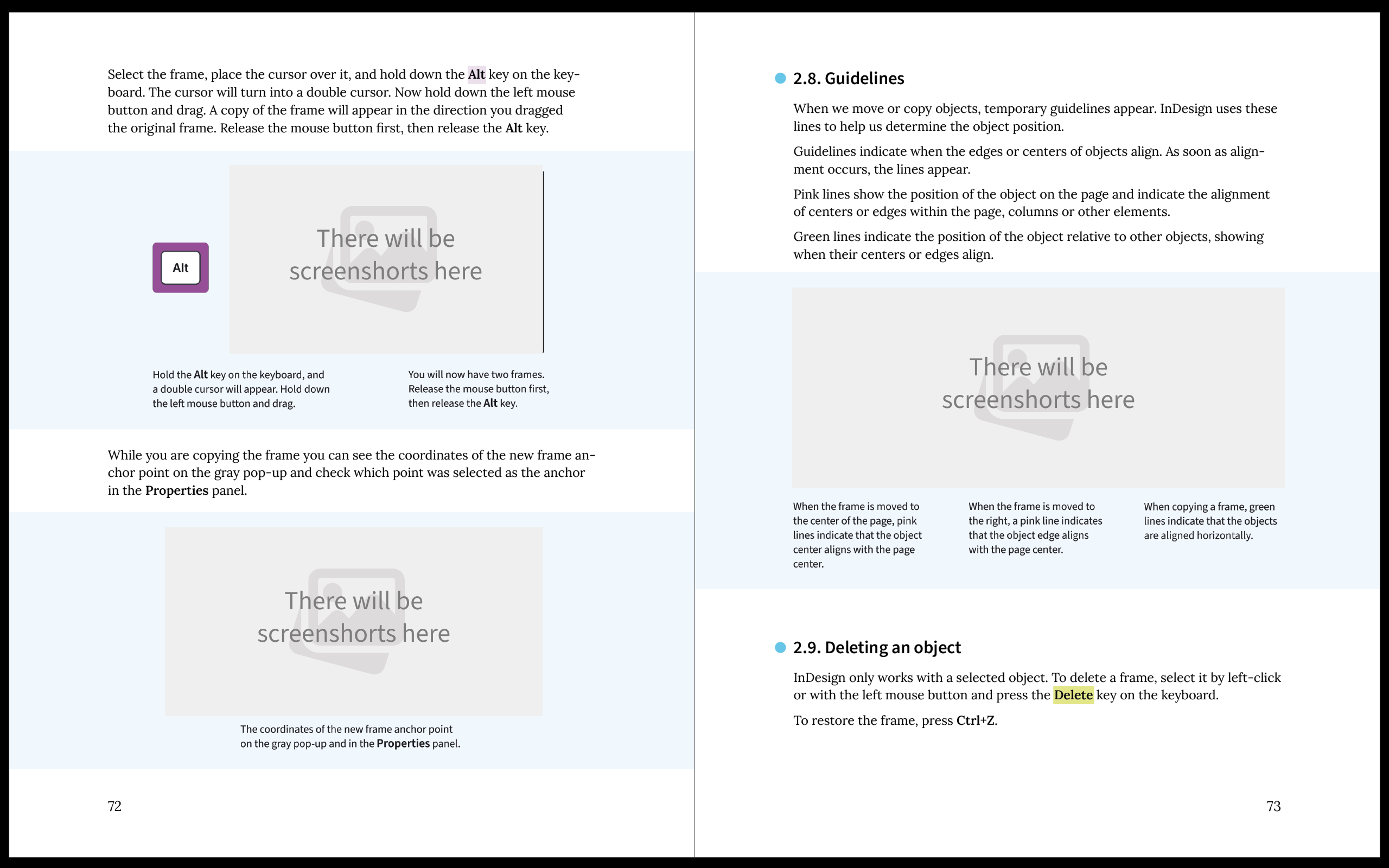
p.72-73
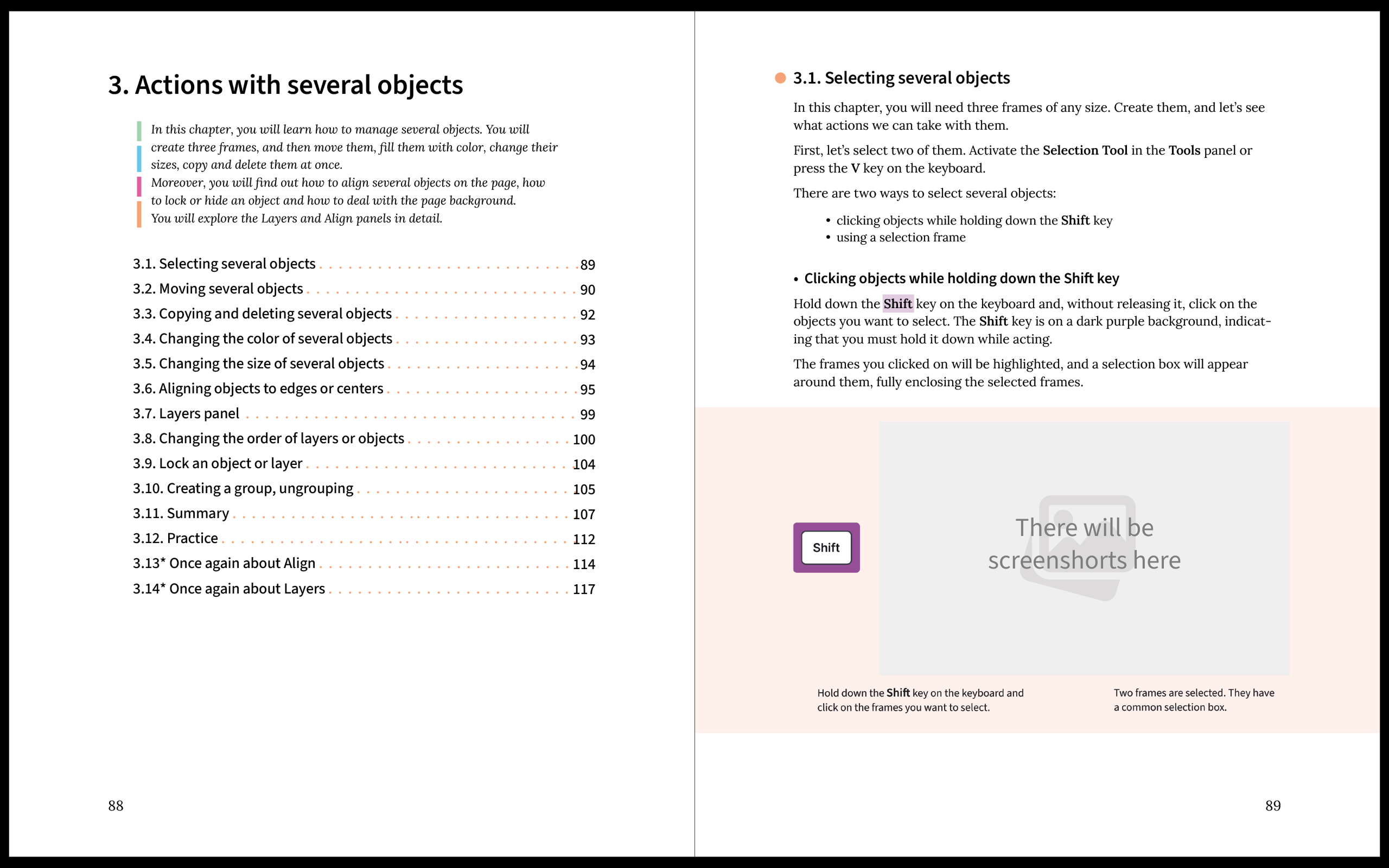
p.88-89
Learning new things by watching videos can be great, but when you need to look something up you often have to rewatch large parts of videos. And even several ones.
If don't want to waste a lot of time during your study and work, use the book. The book with pictures.
"How to work in ........ in pictures" contains all the essential information from my ........ video course. It is packed with visual step-by-step guides, clear illustrations, and practical tips. It's designed to be easy to navigate, so you can quickly find what you need — exactly when you need it.
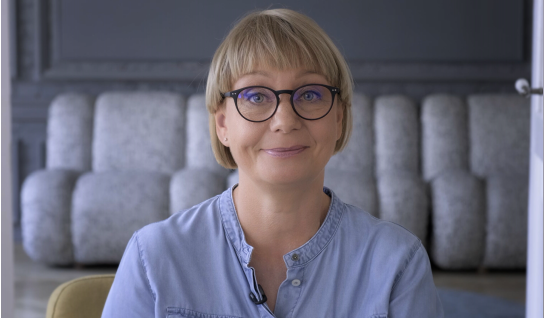
The presentation of the book in the YouTube
Lesson 1. How to create a new file.
How to work in ..... ........ 2025 1. Interface. Objects. Several objects.
How to work in ..... ........ 2025 2. Text. Shapes. Images.
How to work in ..... 2025 1. Interface. Shapes. Text.